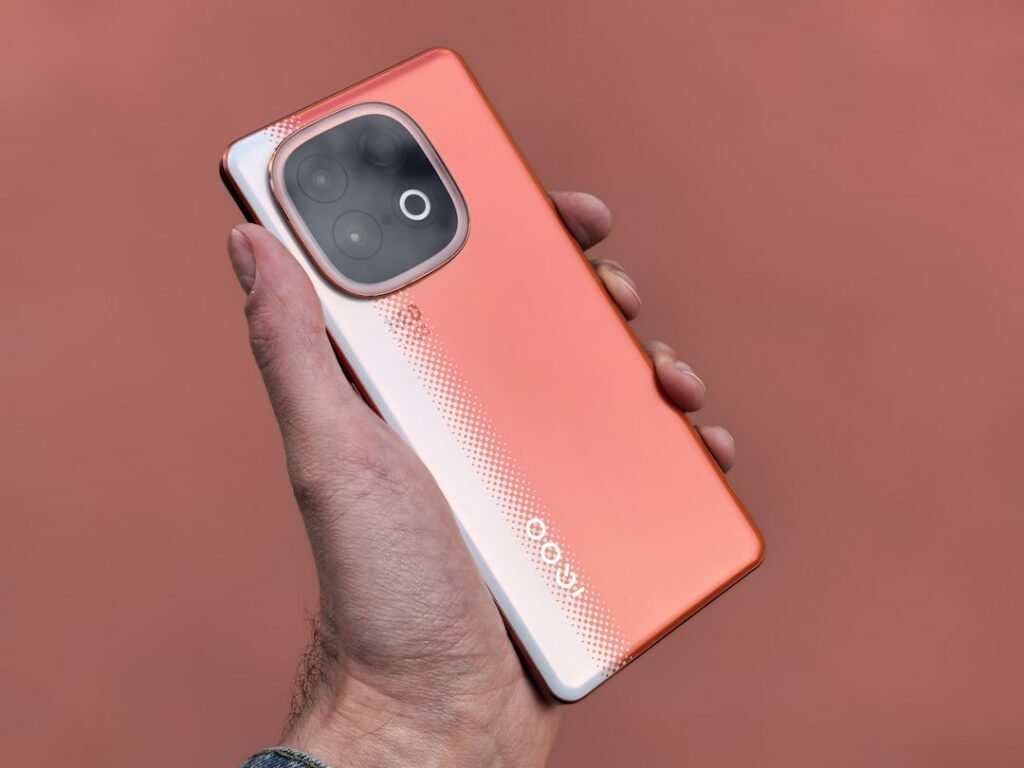
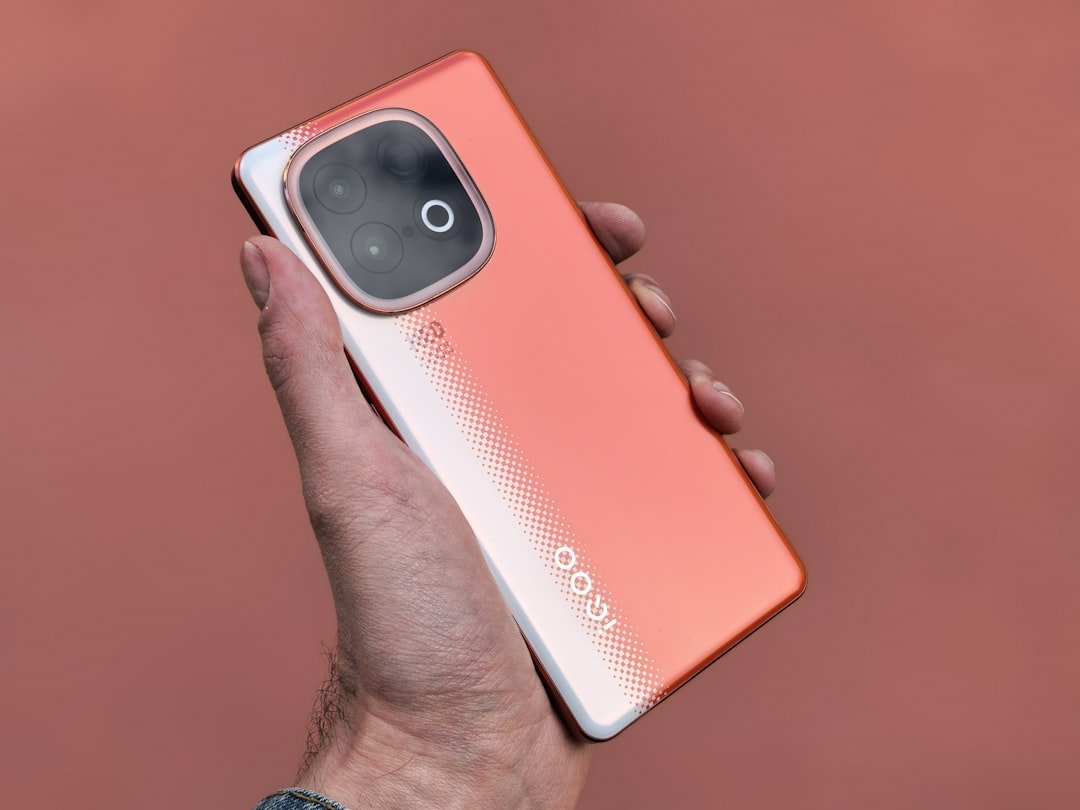
August 2025 is set to be an electrifying month for smartphone enthusiasts across India. With major brands gearing up to unveil their latest innovations, the market is buzzing with anticipation for next-generation devices. As you prepare to upgrade, understanding not just the hardware but also how to maximize the powerful, free built-in Android features will be crucial for an unparalleled mobile experience.
This comprehensive guide will walk you through what to expect from the August 2025 launches in India, while also equipping you with essential knowledge on leveraging Android’s native capabilities. From optimizing performance to enhancing privacy, get ready to make an informed decision and truly unlock the potential of your new smartphone.
- August 2025 promises exciting smartphone launches in India with advanced hardware.
- Beyond specifications, understanding and utilizing free built-in Android features is key to an exceptional user experience.
- This guide offers tips on software updates, UI choices, AI integration, cloud services, digital wellbeing, and security.
- Make an informed decision by considering both the device’s hardware and its underlying Android ecosystem.
August 2025: A Glimpse into India’s Smartphone Future
The Indian smartphone market continues its dynamic growth, driven by an ever-increasing demand for advanced technology and competitive pricing. August 2025 is shaping up to be a pivotal period, with several major manufacturers traditionally targeting this window for significant product announcements. Consumers can anticipate a fresh wave of devices boasting cutting-edge processors, enhanced camera systems, revolutionary display technologies, and faster charging capabilities, all tailored to meet the diverse needs of the Indian demographic.
Expect to see a strong focus on 5G-enabled devices, as network infrastructure continues to expand across the nation, making high-speed connectivity a standard expectation. Furthermore, advancements in on-device AI processing will likely power more intelligent camera features, improved battery management, and a more responsive user interface. Brands are also keenly aware of the Indian consumer’s emphasis on value, meaning these new launches will strive to strike a perfect balance between premium features and accessible price points, catering to segments ranging from budget-friendly options to high-end flagships. The competitive landscape ensures that innovation will be at its peak, offering consumers an exciting array of choices.
Expected Trends and Technologies
Looking ahead to August 2025, several key technological trends are expected to dominate the new smartphone releases. We anticipate a surge in devices featuring next-generation processors, likely built on smaller fabrication processes, offering significant boosts in raw performance and energy efficiency. This means smoother multitasking, faster app loading, and more fluid gaming experiences. Camera technology will continue to evolve, with multi-lens setups becoming standard, incorporating advanced computational photography for stunning low-light performance, improved zoom capabilities, and more sophisticated video recording options.
Display innovations are also on the horizon, with higher refresh rates (120Hz or even 144Hz) becoming mainstream even in mid-range segments, providing incredibly smooth visuals. Under-display camera technology might see wider adoption, leading to truly bezel-less designs and an even more immersive viewing experience. Battery technology will focus on both larger capacities and faster charging speeds, with 100W+ charging solutions potentially trickling down to more affordable devices. Furthermore, sustainability is becoming a growing concern, and we might see manufacturers incorporating more recycled materials and offering longer software support as part of their environmental initiatives. These advancements collectively promise a truly exciting upgrade cycle for Indian Android users.
Navigating the Launches: Essential Considerations for Your Next Android
With an overwhelming array of choices hitting the market in August 2025, making the right smartphone decision can feel daunting. While impressive hardware specifications like processor speed, RAM, and camera megapixels are often the primary focus, the true long-term value and satisfaction derived from your new device will heavily depend on its software experience. Android, at its core, offers a wealth of free, built-in features designed to enhance usability, security, and overall efficiency.
Understanding and proactively utilizing these native Android capabilities is paramount. A phone with top-tier hardware but a poorly optimized or outdated software experience can quickly become frustrating. Conversely, a device with solid hardware, combined with a well-maintained and feature-rich Android implementation, can provide an incredibly satisfying user journey for years. This section aims to bridge the gap between exciting new hardware and the powerful software that breathes life into it, guiding you to choose a device that not only meets your specifications checklist but also excels in delivering a seamless and smart Android experience from day one.
Tip 1: Prioritize Software Updates and Long-Term Support
When scouting for an upcoming smartphone in August 2025, one of the most critical, yet often overlooked, aspects is the manufacturer’s commitment to software updates and long-term support. While a new phone comes with the latest Android version out of the box, the real value lies in how many future Android version upgrades it will receive and for how long security patches will be provided. A device that receives regular updates benefits from new features, performance improvements, and, most importantly, crucial security fixes that protect your data from emerging threats. This commitment varies significantly between brands, so diligent research is essential.
Opting for a phone with a strong update policy ensures your device remains relevant and secure for a longer period, maximizing your investment. This is especially pertinent in India, where users tend to hold onto their smartphones for an extended duration. Flagship devices typically receive more extensive support, but many mid-range phones from reputable brands are now offering commendable update cycles, sometimes up to 3-4 years of OS upgrades and 5 years of security patches. Don’t let a shiny new device tempt you without confirming its software longevity; it’s a foundational element of the Android experience.
How to Evaluate Update Policies for Upcoming Phones
To assess the software update commitment of a smartphone launching in August 2025, begin by researching the manufacturer’s historical track record. Look up reviews and tech news for their previous models to see how consistently and quickly they delivered Android version updates and security patches. Most major brands will publicly announce their update policies for new devices, often stating the number of major Android OS upgrades and years of security updates you can expect. This information is typically found on their official product pages or during launch events.
Furthermore, consider brands known for their excellent software support, such as Google’s Pixel series (which sets the benchmark for Android updates) or companies like Samsung, OnePlus, and even some Xiaomi/Redmi devices that have significantly improved their update game in recent years. Forums and tech communities in India are also great resources for real-world user experiences regarding update timeliness and quality. Prioritizing this aspect ensures that your new smartphone remains current, secure, and performant well into the future, protecting your investment and enhancing your daily usage.
Tip 2: Evaluate the Android UI: Stock vs. Custom Skins
Beyond the core Android operating system, every smartphone manufacturer applies its own custom user interface (UI) or “skin” – think Samsung’s One UI, Xiaomi’s MIUI, OnePlus’s OxygenOS, or Realme UI. While some brands, like Google’s Pixel, offer a near-stock Android experience, others heavily customize it with unique aesthetics, proprietary apps, and additional features. When considering an upcoming phone in August 2025, understanding the implications of these UIs on your user experience is crucial. A custom UI can either enhance your daily interactions or introduce unnecessary bloatware and potentially slow down your device.
A stock Android experience is generally known for its clean interface, faster updates, and minimal pre-installed apps, offering a pure Google vision. Custom UIs, on the other hand, often bring a wealth of customization options, unique gestures, and value-added features that might appeal to specific user preferences. However, they can sometimes lead to a heavier software footprint, delayed updates, and a steeper learning curve. Your choice between a stock or heavily customized Android experience will significantly impact everything from navigation to notification management, making it a highly personal decision.
How to Choose Your Preferred UI Experience
To determine which Android UI best suits you for an August 2025 launch, consider your prior experiences and priorities. If you value simplicity, speed, and prompt updates, a device offering a near-stock Android experience (like a Google Pixel if available, or phones with a very light skin) might be ideal. These UIs often feel more fluid and are less prone to bloatware, ensuring a cleaner digital environment. Alternatively, if you enjoy extensive customization, unique features, and a distinct visual identity, a phone with a feature-rich custom UI could be a better fit. Brands like Samsung with One UI offer a highly polished and feature-packed experience, though it comes with a learning curve and a larger software footprint.
Before committing to a new device, try to experience the UI firsthand if possible, by visiting a store or watching detailed video reviews. Pay attention to elements like notification shade design, settings menu layout, pre-installed apps, and overall responsiveness. Read user reviews specifically mentioning the UI experience. Your daily interaction with your phone is primarily through its interface, so choosing one that aligns with your preferences is paramount for long-term satisfaction. Don’t hesitate to compare and contrast, as the UI is as important as the hardware itself for a truly enjoyable smartphone experience.
Tip 3: Leverage Google Assistant and Advanced AI Features
As we move into August 2025, the integration of Artificial Intelligence (AI) is becoming increasingly sophisticated in Android smartphones. Google Assistant, the cornerstone of Android’s AI capabilities, is no longer just a voice assistant; it’s a deeply integrated system that anticipates your needs, streamlines tasks, and provides contextual information across your device. Upcoming smartphones will feature even more powerful on-device AI processors (Neural Processing Units or NPUs), enabling faster, more private, and more efficient AI operations directly on your phone without constant reliance on cloud processing.
These advanced AI features extend far beyond simple voice commands. They power smarter camera modes (like enhanced scene detection and portrait effects), improve battery life through adaptive learning, offer personalized recommendations, and even provide real-time language translation. For Indian users, Google Assistant has been specifically optimized for various regional languages and accents, making it an incredibly useful tool for daily tasks. When considering a new phone, think about how these pervasive AI capabilities can genuinely simplify your life and enhance your interaction with your device, making your smartphone truly “smart.”
How to Maximize AI on Your New Android Device
To make the most of Google Assistant and the advanced AI features on your new Android smartphone launching in August 2025, start by setting up “Hey Google” voice activation during initial device setup. Personalize your Assistant settings to recognize your voice, access your calendar, contacts, and smart home devices. Explore routines within Google Assistant – for example, a “Good Morning” routine can tell you the weather, traffic, and play news just by a single command. The more you use it, the better it adapts to your habits.
Beyond voice commands, pay attention to the subtle AI integrations. Use Google Lens to translate text, identify objects, or scan QR codes instantly. Explore “Now Playing” on Pixel phones (or similar features on other UIs) that identify music around you. Leverage Smart Reply in messaging apps, and observe how your phone intelligently suggests apps based on your usage patterns. Dive into the “Digital Wellbeing” settings to see how AI helps manage your screen time. The key is to actively engage with these features; they are designed to learn from you and provide a more intuitive and helpful smartphone experience. Embrace the AI, and let it work for you.
Tip 4: Maximize Cloud Integration with Google Services (Photos, Drive, etc.)
For any new Android smartphone, especially those launching in August 2025, seamless cloud integration with Google’s suite of services is a cornerstone of the user experience. Services like Google Photos, Google Drive, Gmail, and Google Calendar are not just standalone apps; they form a deeply interconnected ecosystem that ensures your data is backed up, accessible across devices, and effortlessly transferable when you upgrade. This integration is particularly valuable when migrating to a new phone, as it simplifies the process of bringing all your precious memories, documents, and contacts with you.
Google Photos, for instance, offers robust backup solutions for your images and videos, freeing up valuable internal storage on your new device while keeping your memories secure and easily searchable. Google Drive provides cloud storage for all your documents, allowing you to access and edit them from anywhere. With your Google account acting as the central hub, setting up a new Android phone becomes a remarkably smooth process, as most of your app data, contacts, and settings can be restored automatically. Leveraging these free, built-in services ensures you never lose important data and always have access to your digital life.
How to Prepare Your Cloud for a New Phone
Before your anticipated August 2025 smartphone purchase, take proactive steps to ensure your Google cloud services are optimized. First, verify that Google Photos is actively backing up all your images and videos in their desired quality. Open the Google Photos app, go to Settings > Backup & sync, and ensure it’s turned on and set to your preferred backup quality (e.g., “Original quality” if you have sufficient Google Drive space, or “Storage saver” for unlimited backups at slightly reduced quality). This prevents any loss of memories during the transition.
Next, check your Google Drive to ensure important documents are uploaded. Review your contacts to confirm they are synced to your Google account (Settings > Accounts > Google > Account sync). When you set up your new phone, simply log in with your primary Google account. Android’s setup wizard will guide you through restoring apps, data, and settings from your previous device’s Google backup. This seamless process, powered by Google’s integrated cloud services, makes upgrading a breeze, allowing you to hit the ground running with your new device without the hassle of manual data transfer.
Tip 5: Embrace Digital Wellbeing and Parental Controls
As smartphones become increasingly central to our lives, maintaining a healthy balance with technology is more important than ever. Android’s built-in Digital Wellbeing features, which will be present and likely enhanced in phones launching in August 2025, are designed to help you monitor and manage your screen time, reduce distractions, and foster healthier digital habits. These tools provide valuable insights into your phone usage patterns, allowing you to make informed decisions about how you interact with your device.
Digital Wellbeing offers features like app timers, which let you set daily limits for individual apps, and Focus mode, which pauses distracting apps when you need to concentrate. Wind Down mode helps you prepare for sleep by gradually fading your screen to grayscale and silencing notifications. For families, robust Parental Controls (often integrated within Digital Wellbeing or Google Family Link) allow parents to manage their children’s screen time, app access, and even track device location, providing peace of mind. Leveraging these free tools on your new smartphone can significantly contribute to a more mindful and balanced digital lifestyle for both you and your family.
How to Configure Wellbeing Features on Your New Device
Upon setting up your new Android smartphone in August 2025, make it a priority to explore the Digital Wellbeing and parental controls. You can typically find these settings under “Settings” > “Digital Wellbeing & parental controls”. Start by reviewing your “Your Digital Wellbeing tools” dashboard, which provides a visual breakdown of your screen time, app usage, and notification frequency. Use this data to identify apps that consume too much of your time.
Next, actively configure features like “App timers” for any apps you find overly distracting, setting realistic daily limits. Experiment with “Focus mode” to create custom profiles that block specific apps during work or study hours. Activate “Wind Down” mode for a more peaceful evening routine. If you have children, set up “Parental controls” using Google Family Link to manage their devices and content access. These tools are most effective when used proactively and consistently. By integrating them into your daily routine from the start, you can cultivate a healthier relationship with your new smartphone and ensure technology serves you, rather than the other way around.
Tip 6: Master Gesture Navigation and Accessibility Features
Modern Android smartphones, including those slated for launch in August 2025, increasingly emphasize intuitive gesture navigation over traditional three-button navigation. Gesture controls offer a more immersive, full-screen experience, allowing you to navigate through apps, switch tasks, and go back with simple swipes. Mastering these gestures can significantly enhance your interaction speed and make your new device feel more fluid and natural. While some users might initially prefer the comfort of traditional buttons, the benefits of gesture navigation for screen real estate and efficiency are undeniable once you get accustomed to them.
Beyond navigation, Android also boasts a comprehensive suite of accessibility features, designed to make smartphones usable and enjoyable for everyone, regardless of their abilities. These features, often overlooked, include screen readers (TalkBack), magnifiers, color correction options, customizable text sizes, and enhanced audio controls. For Indian users, where diverse needs are prevalent, these built-in accessibility tools are invaluable. Exploring and configuring them on your new device ensures that your smartphone experience is tailored to your specific requirements, making technology truly inclusive.
How to Customize Navigation and Accessibility on Your New Phone
When you unbox your new Android device in August 2025, head to “Settings” > “System” > “Gestures” (or “Navigation bar” / “Display” depending on the UI) to switch to gesture navigation. Most Android versions offer a clear tutorial to help you learn the basic swipes: swipe up from the bottom for home, swipe up and hold for recent apps, and swipe from either the left or right edge to go back. Practice these gestures until they become second nature; you’ll appreciate the full-screen view and seamless transitions.
Simultaneously, explore the extensive “Accessibility” settings, usually found directly under “Settings”. Here, you can find options like “TalkBack” for screen reading (useful for visually impaired users), “Magnification” gestures to zoom in on screen content, “Color correction” or “Grayscale” modes, and “Caption preferences” for subtitles. You can also customize text size, display size, and pointer speed. Even if you don’t require advanced accessibility features, exploring options like “One-handed mode” (often available through a gesture) can be incredibly useful for larger phones, allowing you to comfortably reach elements at the top of the screen. Tailoring these settings ensures your new phone is perfectly adapted to your personal comfort and needs.
Tip 7: Seamless Smart Home Integration with Google Home and Fast Pair
The vision of a connected smart home is becoming a reality for many Indian households, and your new Android smartphone launching in August 2025 will serve as the central hub for this ecosystem. Android’s deep integration with Google Home and related services allows for effortless control and automation of your smart devices, from lights and thermostats to security cameras and entertainment systems. Managing your entire smart home from a single, intuitive interface on your phone transforms convenience and efficiency within your living space.
Furthermore, Android’s Fast Pair feature is a game-changer for connecting Bluetooth accessories. This built-in functionality simplifies the pairing process for headphones, smartwatches, and other Bluetooth devices, allowing them to connect with a single tap notification on your phone. This seamless integration means less time fumbling with settings and more time enjoying your connected gadgets. As smart home devices become more prevalent and affordable in India, leveraging these free Android features will be crucial for building and managing a truly intelligent home environment around your new smartphone.
How to Set Up Smart Home Integration on Your New Phone
Upon acquiring your new Android smartphone in August 2025, begin your smart home integration journey by downloading and setting up the Google Home app. Log in with your primary Google account, and the app will guide you through linking compatible smart devices (e.g
Content is intended for informational purposes only. Prices and product details may vary — please verify before making any purchase decisions.
© 2026 NexifyLabs — All rights reserved.